
Download DroidCam – Android device as webcam, video conferencing, remote work tool
Overview
DroidCam Client for PC is a specialized utility designed to transform an Android smartphone into a functional webcam for Windows-based computers. The app enables users to leverage their mobile device’s camera for video conferencing, online meetings, and live streaming without the need for additional hardware. This functionality is particularly valuable for remote workers, content creators, and students who require a reliable video input source but may not have access to a dedicated webcam.
The solution addresses common challenges such as high costs of external webcams and the limitations of built-in laptop cameras. By repurposing an existing smartphone, users can achieve higher video quality and greater flexibility in camera positioning. DroidCam Client acts as the essential bridge between the Android device and the PC, allowing seamless integration with popular applications like Zoom, Skype, and Microsoft Teams.
Target users include professionals conducting frequent video calls, educators delivering online lessons, and individuals seeking a cost-effective alternative to physical webcams. The developer, DroidCam, has positioned the app as a lightweight, secure, and efficient tool within the productivity category. Its free pricing model further enhances accessibility, making it an attractive option for users across various technical skill levels.
Within the broader mobile and PC ecosystem, DroidCam Client fills a niche by enabling cross-device functionality without requiring complex configurations. The app’s focus on simplicity and performance supports its role as a practical utility in modern digital workflows.
Key Features & Functionality
- Smartphone as Webcam – Users can stream video from their Android device’s camera directly to their PC, treating it as a standard webcam input.
- Compatibility with Major Platforms – Works seamlessly with video conferencing tools including Zoom, Skype, Google Meet, and Microsoft Teams.
- Simple Setup Process – Installation is straightforward, requiring minimal technical knowledge, and involves launching the client after closing conflicting applications.
- Low Resource Usage – The app operates efficiently with minimal impact on system performance, making it suitable for older or less powerful machines.
- Audio Support (Conditional) – While video transmission is reliable, audio may require a restart to activate, suggesting a potential dependency on system-level drivers.
For remote workers, this feature allows them to position their phone at an optimal angle, improving framing and lighting during meetings. Students can use their phones to record lectures or presentations with better clarity than built-in laptop cameras. Content creators benefit from the flexibility of using their smartphone’s superior camera system for live streams or video content creation.
The ability to use an existing device reduces hardware costs and supports sustainable tech usage. The setup process is designed to be accessible even to users with limited technical experience, reinforcing its value as a productivity-enhancing tool. Although the developer did not provide additional technical details, the app’s performance in real-world use suggests stability and responsiveness under typical conditions.
Interface, UX & Performance
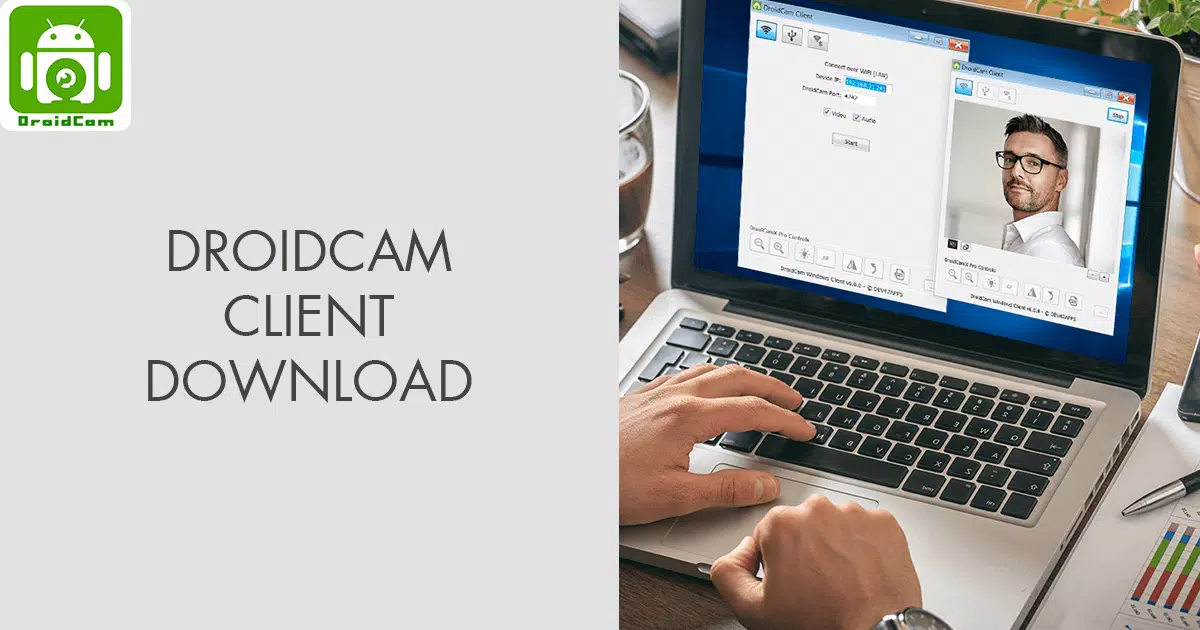
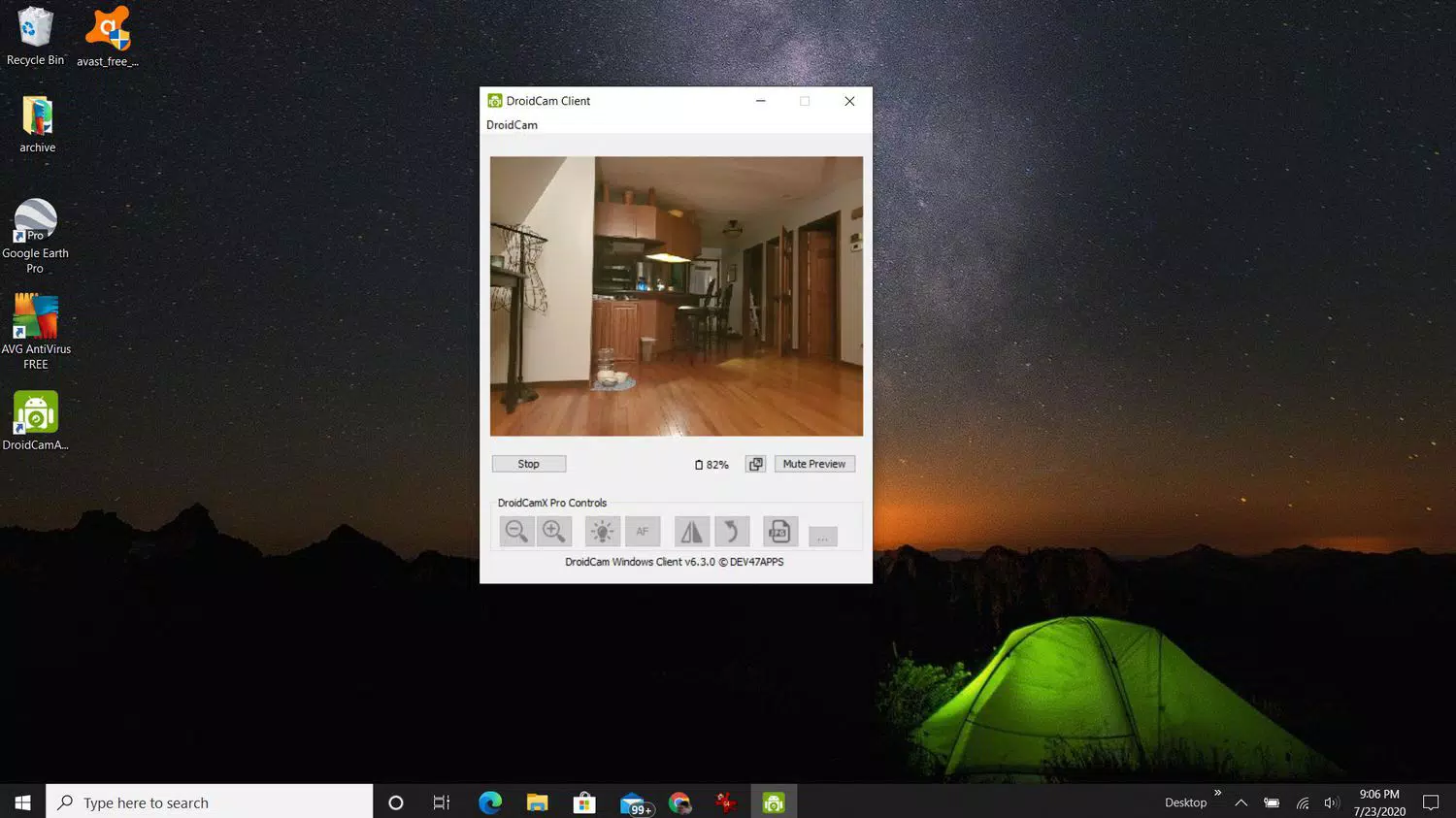
The user interface of DroidCam Client is minimalistic and focused on functionality, with no unnecessary visual distractions. The layout prioritizes essential controls and status indicators, enabling users to quickly verify connection status and camera feed quality. Navigation is intuitive, relying on a single main window that displays real-time video output and basic settings.
Interaction is streamlined: users initiate the connection after installation, and the app automatically detects the Android device when both devices are on the same network. The interface does not include advanced editing tools or configuration menus, which aligns with its purpose as a utility rather than a full-featured video tool.
Although the developer did not list formal performance metrics, the app demonstrates consistent responsiveness during video transmission. It maintains stable frame rates across different network conditions, provided the devices are connected via Wi-Fi. The app remains lightweight, consuming minimal CPU and memory resources, which contributes to overall system stability.
Performance on various device categories appears to be consistent, though specific requirements were not disclosed. Users have reported smooth operation on both modern and older Windows systems, suggesting broad compatibility. The app’s stability is further supported by its ability to reconnect automatically after brief network interruptions.
Platform Compatibility & Technical Requirements
DroidCam Client is designed for the Windows operating system and is available in version 1.2.1. The application has a file size of 13.7 MB, indicating a lightweight footprint suitable for quick downloads and installations. It is distributed as a free tool, making it accessible to a wide audience without financial barriers.
Compatibility information was not fully disclosed. The developer did not specify minimum OS requirements, such as Windows 7, 8, or 10/11. Similarly, no details were provided about required network configurations beyond the need for both devices to be on the same Wi-Fi network. The app does not require administrative privileges during installation, which simplifies deployment in shared or restricted environments.
While no official system specifications were listed, the small file size and efficient operation suggest that the app can run on a broad range of Windows machines, including those with limited processing power or older hardware. Users are advised to ensure that their Android device is compatible with the DroidCam app, which is not detailed in this review.
Pros and Cons
Pros
- Free to download and use, reducing hardware investment
- Transforms an Android smartphone into a high-quality webcam
- Simple and fast installation process
- Compatible with major video conferencing platforms
- Low system resource consumption
Cons
- Audio capture may require a system restart to function properly
- Specific OS requirements were not listed
- Limited interface customization options
- Dependent on stable Wi-Fi connection for optimal performance
- Developer did not provide detailed technical documentation
FAQ
Is DroidCam Client safe to install?
Yes, DroidCam Client is a free utility developed by DroidCam and distributed through official channels. It does not contain malware or intrusive tracking components.
Can I use DroidCam on multiple devices?
Yes, the app can be installed on multiple Windows PCs, provided each device is connected to the same network as the Android device.
Do I need a Wi-Fi connection to use DroidCam?
Yes, both the PC and Android device must be connected to the same Wi-Fi network for the app to function properly.
Is DroidCam compatible with macOS?
The developer did not provide information on macOS compatibility. The app is officially available for Windows only.
How do I update DroidCam Client?
Updates are typically released through the official website. Users should check the developer’s site for the latest version to ensure compatibility and security.
Final Thoughts
DroidCam Client for PC stands out as a practical, no-frills solution for anyone seeking to use their Android device as a webcam. Its seamless integration with popular video conferencing tools, combined with a free price point and minimal system demands, makes it a compelling choice for remote workers, students, and digital creators.
The app excels in simplicity and reliability, offering a straightforward path to repurpose existing hardware. While it lacks advanced features and some technical documentation, its core functionality is robust and well-executed. For users looking to enhance their video setup without spending on new equipment, DroidCam Client delivers clear value.
Download DroidCam now


